Walk into any busy diagnostic center at 11 a.m. and you’ll see the same scene. Radiologists scrolling through CT images. Pathologists reviewing slides. Lab technicians cross-checking values. Phones buzzing. Patients waiting.
Now add one more task to that mix: documentation.
Here’s the thing. Recording findings isn’t optional. It’s the backbone of patient care. But typing every observation manually? That slows everything down. This is exactly where speech note tools start to make real sense.
The Documentation Bottleneck in Diagnostics
Diagnostic centers generate mountains of data every single day. A mid-sized imaging center can easily process 150–300 scans daily. Each scan needs structured notes, impressions, recommendations, and sometimes urgent follow-ups.
Typing all that by hand eats time. And time in diagnostics isn’t just money. It’s patient anxiety. It’s delayed treatment. It’s operational stress.
When professionals switch to speech to text notes, the shift feels immediate. Instead of typing findings line by line, they simply speak:
“Left lower lobe consolidation measuring approximately 2.1 centimeters. Recommend clinical correlation.”
Done. Captured. Stored.
No keyboard. No back-and-forth editing marathons.
Why Voice Works So Well in Clinical Settings
Let’s break it down.
Doctors already think verbally. During case discussions, they dictate findings out loud. During consultations, they explain results verbally. Turning that natural behavior into structured documentation using voice to notes just aligns with how they already operate.
There’s research backing this up too. Studies suggest physicians can speak around 125–160 words per minute but type only 40–60 words per minute on average. That’s nearly three times faster when speaking.
What this really means is faster turnaround reports. Faster reports mean faster decisions.
And in diagnostics, speed with accuracy matters more than almost anything else.
Real-World Example: Radiology Reporting
Take a radiologist handling MRI cases. A single detailed MRI report can run 300–600 words. Typing that manually after reviewing images drains mental energy.
Now imagine finishing image interpretation and immediately dictating findings using voice to text. The flow stays intact. Clinical reasoning doesn’t get interrupted by mechanical typing.
I spoke with a technician who said something simple but powerful: “When I type, I lose my train of thought. When I speak, I stay in it.”
That’s not a small difference. That’s efficiency meeting clarity.
Reducing Errors While Increasing Speed
People assume speaking might introduce errors. But modern speech recognition tools adapt quickly. They learn accents. They understand medical terminology. They improve over time.
Plus, reviewing a dictated note often feels faster than building it from scratch.
Instead of fighting the keyboard, clinicians refine. They tweak. They finalize.
That shift reduces fatigue. And less fatigue means fewer documentation mistakes.
Mobility Inside Diagnostic Centers
Here’s another angle many overlook. Diagnostic professionals don’t sit at desks all day. They move between imaging rooms, lab areas, and reporting stations.
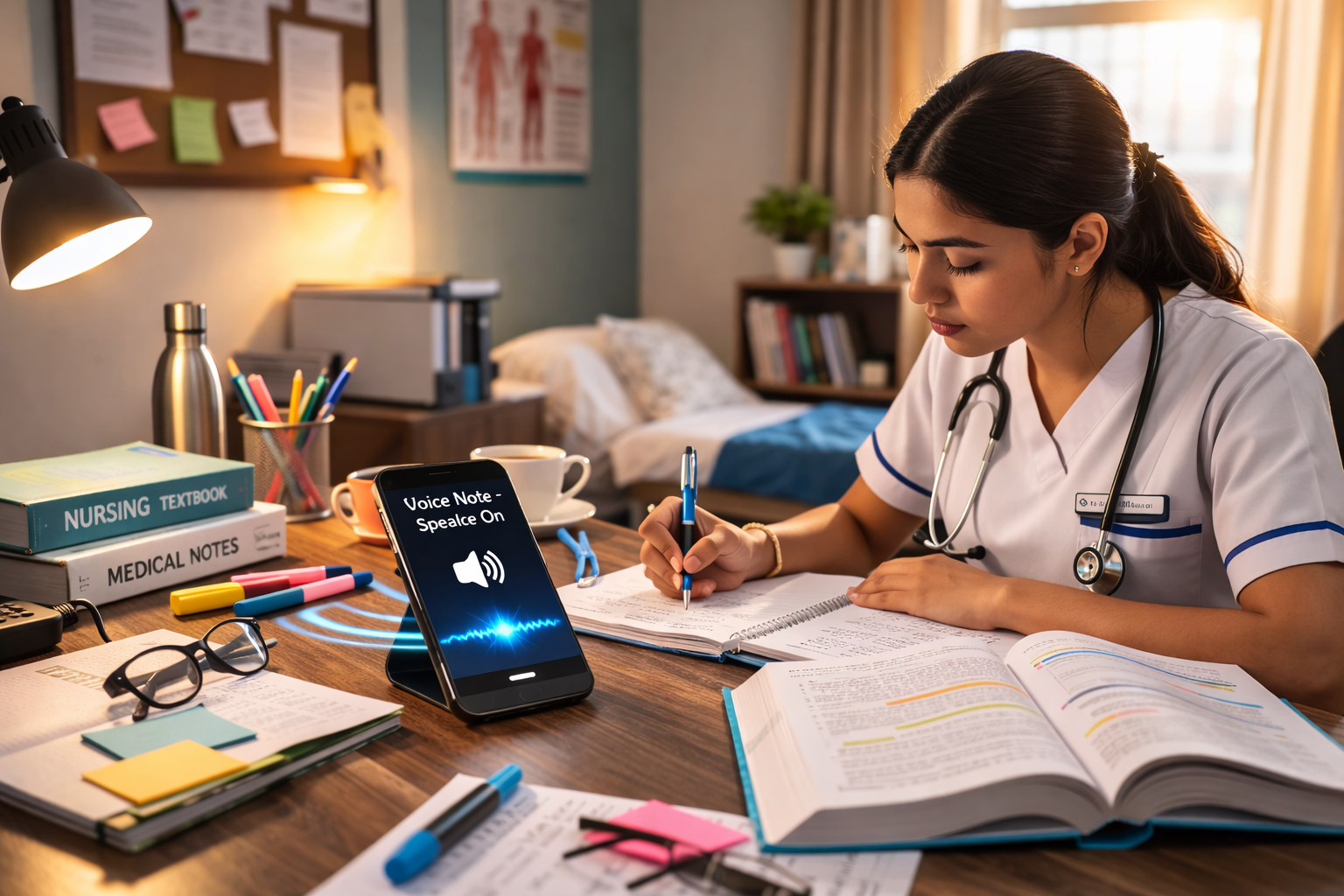
With a reliable speech-based app installed on a smartphone, staff can dictate findings on the move. Quick updates. Addendums. Corrections.
You can download the app directly from the Apple App Store or the Google Play Store and start using it within minutes. No complex setup. No steep learning curve.
If you’re curious how it works in real scenarios, check out this demo video on YouTube and see how naturally speech converts into structured notes.
Administrative Relief for the Entire Team
This isn’t just about doctors.
Front-desk staff can use speech tools to log patient intake notes. Lab coordinators can record special instructions. Even follow-up calls can be summarized instantly using speech note systems.
The ripple effect is real. Less typing. Less backlog. More patient focus.
One center I know reduced report turnaround time by nearly 22 percent after adopting structured speech to text notes workflows. That’s not magic. That’s simply removing friction.
Data Organization and Compliance
Diagnostic documentation must stay organized and retrievable. Modern voice-based tools allow export, sharing, and integration into digital systems. That supports audit trails, compliance requirements, and internal reviews.
And because speech entries can be quickly corrected, professionals maintain control over accuracy.
No one wants documentation chaos. Structured voice to notes systems help prevent it.
The Human Side of It
Let’s not forget something important.
Diagnostic professionals deal with high cognitive load. Complex cases. Critical findings. Life-impacting decisions.
Anything that reduces administrative drag gives them breathing room.
When documentation feels natural, not forced, work feels lighter. That matters. Burnout in healthcare is real. Even small efficiency gains add up over months and years.
Final Thoughts
Speech-based documentation isn’t a trend. It’s a practical upgrade.
Diagnostic centers that embrace speech note workflows record findings faster, reduce fatigue, and improve turnaround times. Speaking instead of typing keeps clinical thinking fluid and sharp.
If you work in a diagnostic setting, try it yourself. Download the app from the Apple App Store or Google Play Store and test it during your next reporting session. Watch the demo video on YouTube to see it in action.
You might find that once you switch from keyboard to voice to text, there’s no going back.
And if you’ve already tried speech to text notes in your center, I’d love to hear how it changed your workflow. Efficiency stories are worth sharing.