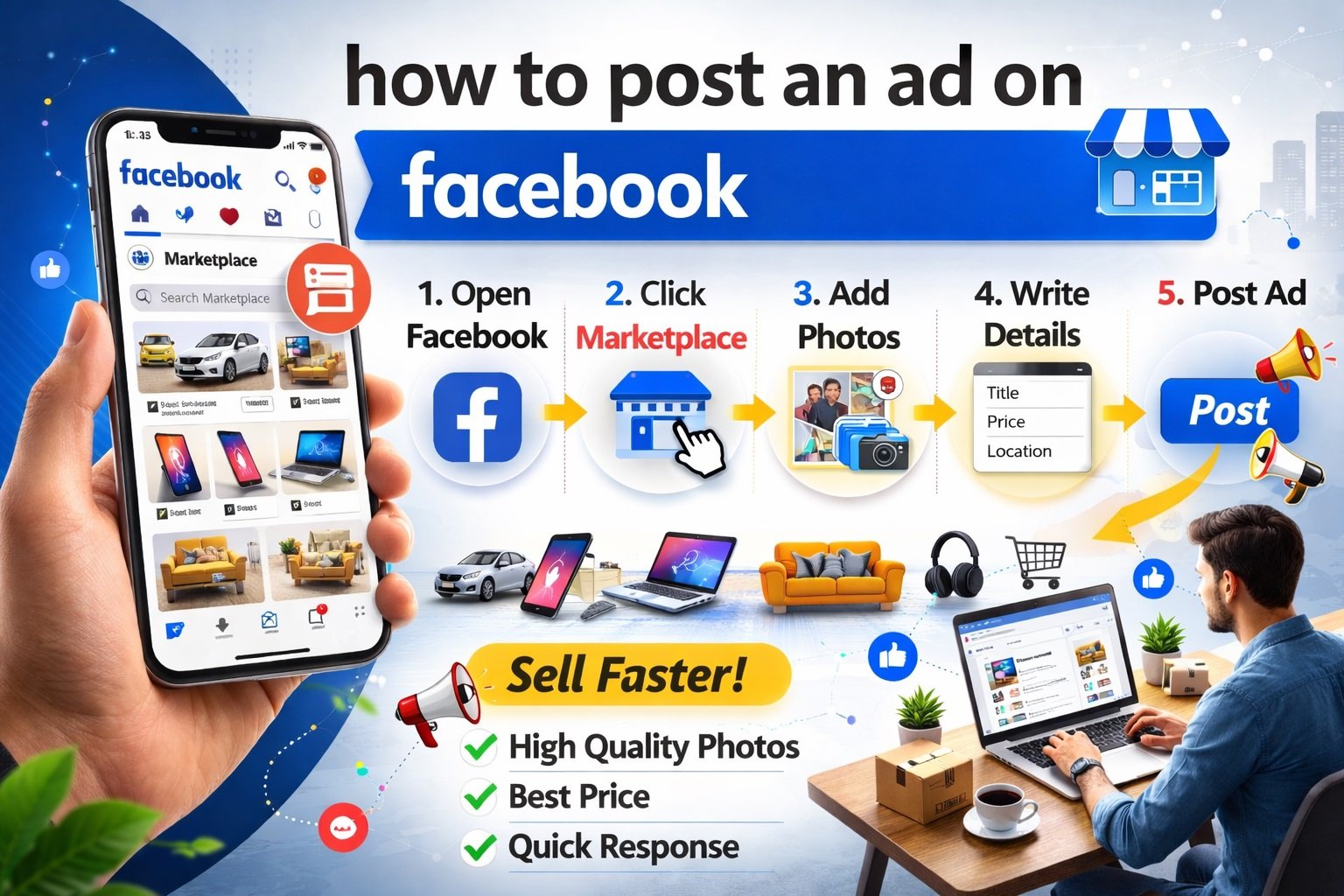
If you’re asking, “how do I post an ad on Facebook?” — you’re not alone. Millions of individuals and businesses use Facebook daily to promote products, services, events, and brands. Whether you’re selling locally, running an online business, or promoting a service, Facebook offers powerful advertising tools to help you reach the right audience.
With over billions of active users worldwide, facebook marketplace advertising allows you to target specific demographics, interests, locations, and behaviors. The best part? You can start with a very small budget.
In this comprehensive guide, you’ll learn:
- How to post an ad on Facebook step by step
- The difference between boosting a post and creating an ad
- How to use Facebook Ads Manager
- How to post on Facebook Marketplace
- Budgeting and targeting tips
- Common mistakes to avoid
Let’s get started.
Understanding Facebook Advertising Basics
4
Before posting an ad, it’s important to understand that Facebook offers three main ways to advertise:
- Boosting a post
- Using Ads Manager
- Posting on Marketplace
All of these options operate under Meta Platforms, the parent company of Facebook.
Each method serves a different purpose:
- Boosted posts are quick and simple
- Ads Manager provides advanced targeting and optimization
- Marketplace ads are ideal for local selling
Choosing the right method depends on your goal.
Option 1: How to Post an Ad by Boosting a Facebook Post
If you want the easiest method, boosting a post is the fastest way to advertise.
Step-by-Step Guide to Boost a Post
- Go to your Facebook Business Page
- Create a regular post (image, video, or text)
- Click the “Boost Post” button
- Choose your goal (engagement, website visits, messages)
- Select your audience (automatic or custom)
- Set your budget and duration
- Click Boost
That’s it! Your ad will be reviewed and then start running.
When Should You Boost a Post?
Boosting works best for:
- Promoting a special offer
- Increasing page engagement
- Driving traffic quickly
- Testing content performance
However, boosting is limited compared to Ads Manager.
Option 2: How Do I Post an Ad on Facebook Using Ads Manager?
If you want more control, use Facebook Ads Manager.
This is the professional method businesses use.
Step 1: Access Ads Manager
- Go to business.facebook.com
- Click Ads Manager
- Click Create
Step 2: Choose Your Campaign Objective
Facebook offers objectives like:
- Traffic
- Engagement
- Leads
- Sales
- App promotion
- Awareness
Choose the objective that matches your goal.
Step 3: Set Your Budget
You can choose:
- Daily budget
- Lifetime budget
Even $5–$10 per day can generate results.
Step 4: Define Your Audience
This is where Facebook advertising shines.
You can target:
- Location (city, country, radius)
- Age
- Gender
- Interests
- Behaviors
- Custom audiences (retargeting)
The more specific your targeting, the better your results.
Step 5: Choose Ad Placement
Automatic placements are recommended for beginners.
Manual placement lets you choose:
- Facebook Feed
- Stories
- Reels
- Messenger
Step 6: Create Your Ad
Upload:
- Image or video
- Ad copy
- Headline
- Call-to-action button
Examples of CTA:
- Shop Now
- Learn More
- Contact Us
- Sign Up
Step 7: Publish
Click Publish, and Facebook will review your ad (usually within 24 hours).
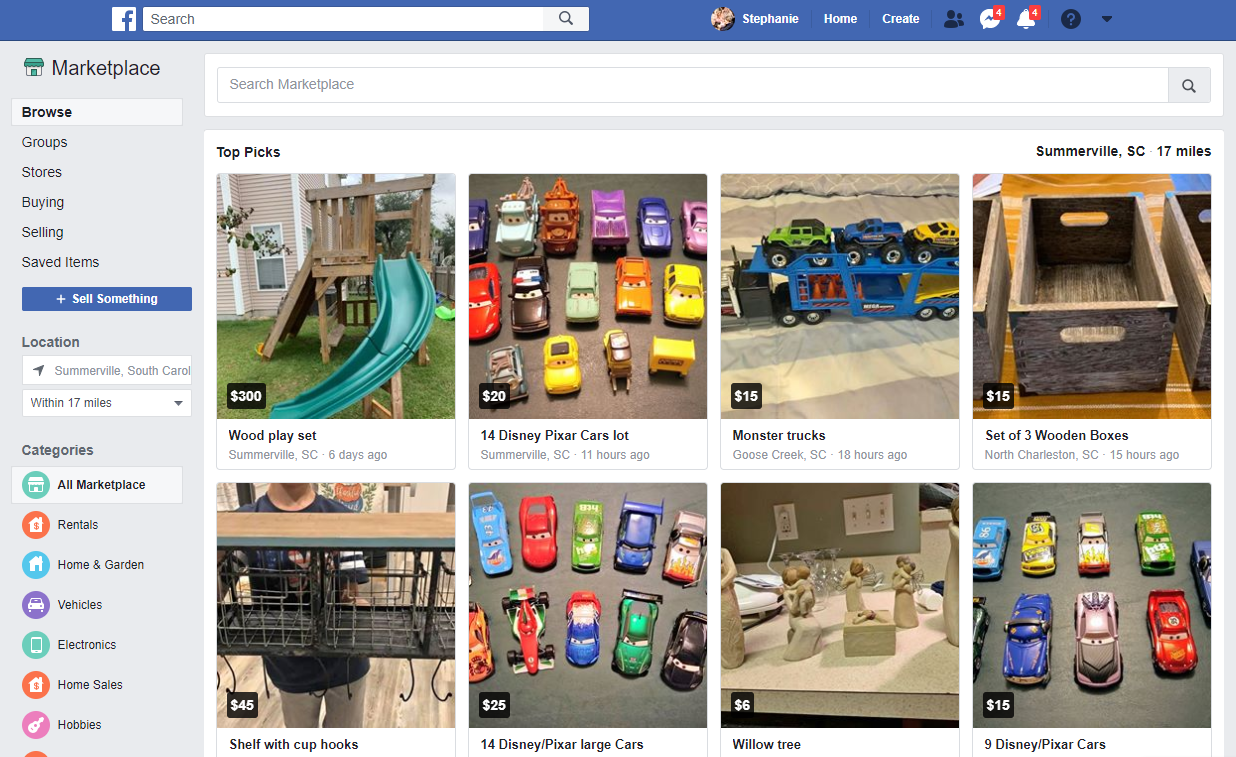
Option 3: How to Post an Ad on Facebook Marketplace

4
If you are selling products locally, Facebook Marketplace is perfect.
How to Post on Marketplace
- Go to Marketplace
- Click Create New Listing
- Choose item type
- Upload photos
- Add title and description
- Set price
- Add location
- Publish
Marketplace is free unless you choose to promote the listing.
This is ideal for:
- Furniture
- Electronics
- Vehicles
- Local services
How Much Does It Cost to Post an Ad on Facebook?
The cost depends on:
- Your industry
- Audience competition
- Ad quality
- Objective
On average:
- Cost per click (CPC): $0.30 – $2
- Daily budget: $5 minimum recommended
- Cost per 1,000 impressions: varies widely
The key is testing.
Start small, analyze results, then scale.
How to Create High-Converting Facebook Ads
Posting an ad is easy. Making it profitable is the real challenge.
Here are proven tips:
1. Use Eye-Catching Visuals
High-quality images or short videos perform best.
2. Write Clear and Simple Copy
Focus on:
- Problem
- Solution
- Benefit
- Call to action
Example structure:
- Hook
- Value
- Offer
- CTA
3. Target the Right Audience
Don’t target everyone.
Be specific.
4. Use Retargeting
Install Facebook Pixel on your website.
Retarget people who visited but didn’t buy.
5. Test Multiple Ads
Run 2–3 versions.
Compare performance.
Scale the winner.
Common Mistakes to Avoid When Posting a Facebook Ad
Many beginners waste money due to simple mistakes.
Avoid these:
- Targeting too broad
- Using low-quality images
- Writing too much text
- Ignoring mobile optimization
- Not testing creatives
- Setting unrealistic expectations
Facebook ads require testing and optimization.
Boost Post vs Ads Manager: Which Is Better?
| Feature | Boost Post | Ads Manager |
|---|---|---|
| Easy to use | Yes | Medium |
| Advanced targeting | Limited | Full |
| Campaign objectives | Limited | Full |
| Retargeting | No | Yes |
| Best for | Beginners | Businesses |
If you’re serious about growth, use Ads Manager.
How Long Does Facebook Take to Approve Ads?
Most ads are approved within:
- 1–24 hours
Some ads may be rejected for:
- Policy violations
- Misleading claims
- Restricted content
- Too much text in image
Always review Facebook ad policies before publishing.
Can I Post a Facebook Ad Without a Business Page?
You need:
- A personal Facebook account
- A Facebook Business Page
Ads cannot run from personal profiles.
How to Track Facebook Ad Performance
Inside Ads Manager, monitor:
- Click-through rate (CTR)
- Cost per click (CPC)
- Conversion rate
- Return on ad spend (ROAS)
- Engagement rate
Optimization is key to success.
Is Facebook Advertising Worth It in 2026?
Yes — when done correctly.
Facebook remains one of the most powerful and affordable advertising platforms globally. Because it integrates with Instagram and Messenger, your ads can reach users across multiple platforms under one system.
If you:
- Target correctly
- Use strong creatives
- Monitor performance
- Optimize regularly
Facebook ads can generate consistent leads and sales.
Final Thoughts: How Do I Post an Ad on Facebook Successfully?
Now you know exactly how to post an ad on Facebook.
To summarize:
- Use Boost Post for quick promotion
- Use Ads Manager for serious marketing
- Use Marketplace for local selling
- Start with small budget
- Test and optimize
- Track performance carefully
Facebook advertising is not about luck. It’s about strategy, targeting, and continuous improvement.
If you’re consistent and data-driven, Facebook ads can become one of your most powerful business growth tools.